
Perfect Halftone Creator 完美的半色
如果链接失效请添加客服QQ:985303259
进行反馈!直接说出您的需求
切记带上资源链接及问题
如有其它疑问请点击文章底部的【常见问题】
兼容软件:Photoshop
文件类型:.PSD
商业许可:仅限学习交流,不可商用
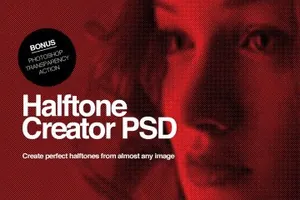
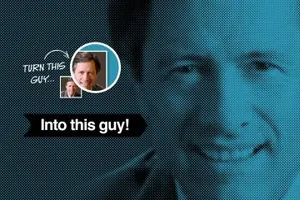
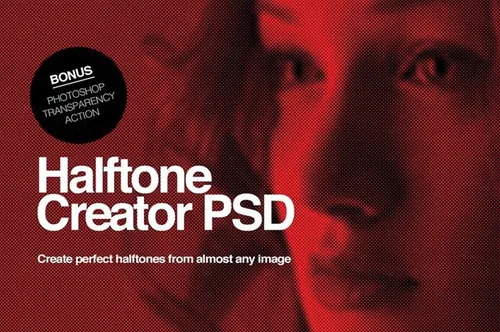
Create large scale, high impact, graphics from practically any image. Adjust the dot size, brightness, contrast levels and saturation to get just the right effect.
Easily create beautiful, high resolution, transparent, half-tone imagery in minutes with even the lowest quality images!
What you get:
A simple, well labeled and layered Photoshop file;
Compatible with CS3, CS4, CS5, CS6 and Photoshop CC;
2 levels of contrast and adjustment;
Non Destructive, keeps your original artwork safe and sound;
Quick Setup Guide PDF (CS3/CS4/CS5);
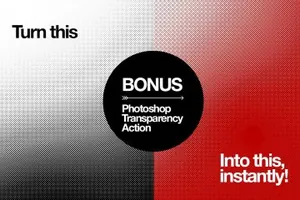
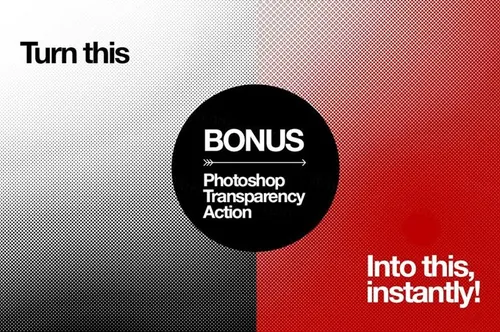
Bonus Free Transparency Action Create transparent images from your half tones and colour them however you want!
How to use the file
Simply open the file "Perfect Hafltone Creator";
Change the colour of the base colour fill layer to suit your needs;
Double click on the layer "YOUR ART HERE";
Paste your image into the smart layer psb
Adjust your levels and contrast;
Save the .psb and close;
And Voila! Perfect half tone;
How to use the transparency Action
Double click on the .atn file to install the actions into PhotoShop;
Set the Base coluor layer to white;
Add your artwork to the "YOUR ART HERE" as described above;
With the "YOUR ART HERE" layer selected select the action appropriate to your colour space RGB or CMYK;
Press Play;
You will now have a rasterised transparent version of your halftone on it\\\'s own layer to colour however you wish!

本站资源仅供研究、学习交流之用,若使用商业用途,请购买正版授权,否则产生的一切后果将由下载用户自行承担。
图穷联素材库 » Perfect Halftone Creator 完美的半色