
IPAD专用噪点粗糙纹理笔刷12款 Procreate grain b
如果链接失效请添加客服QQ:985303259
进行反馈!直接说出您的需求
切记带上资源链接及问题
如有其它疑问请点击文章底部的【常见问题】
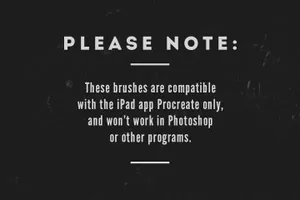
⇨ IMPORTANT: These brushes are compatible only with the iOS app Procreate for iPad. They won\\\\\\\\\\\\\\\\\\\\\\\\\\\\\\\\\\\\\\\\\\\\\\\\\\\\\\\\\\\\\\\'t work in Photoshop or other digital drawing/editing softwares. ⇦
About this item
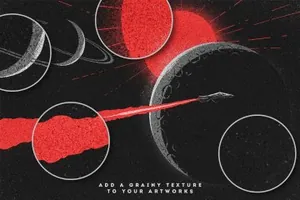
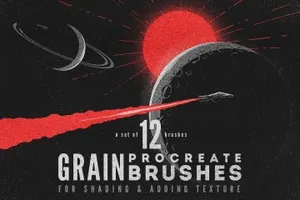
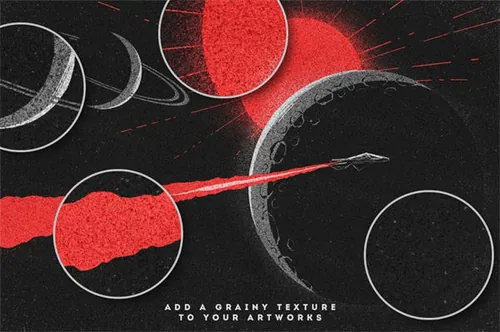
► A set of 12 handmade grainy brushes for Procreate for shading & adding texture to your drawings!
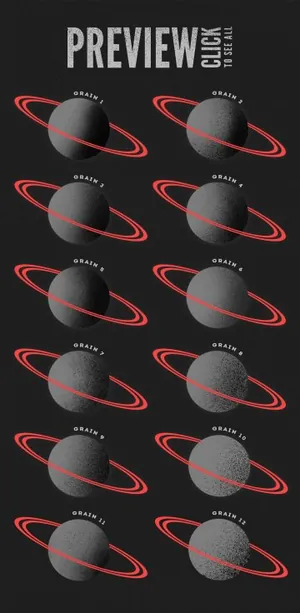
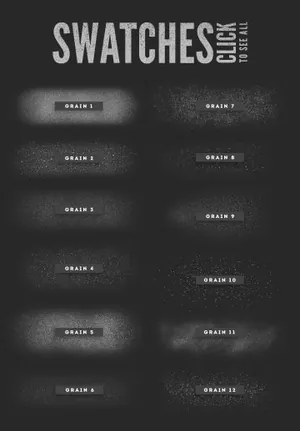
See previews & swatches pictures for an overview of all the brushes included in this set.
► You will receive a ZIP containing the 12 brushes files, in .brush format.
► To be able to use these brushes, you need:
An iPad
The app Procreate
A stylus, or the Apple Pencil (optional - these brushes have been created & tested with an Apple Pencil, but if you don\\\\\\\\\\\\\\\\\\\\\\\\\\\\\\\\\\\\\\\\\\\\\\\\\\\\\\\\\\\\\\\'t have a pressure sensitive stylus you can also tweak the brushes settings).
Here are a few examples of how these brushes can be used:
► Create a new layer on top of the other layers, paint the whole layer with one of the brushes and apply a blending mode to create a grainy texture (overlay, soft light, linear burn, multiply, etc).
► Use the brushes for shading.
► Paint with the brushes only on certain areas for a grunge look (for example, on the edges of your artwork).
░░░░░░░░░░░░░░ INSTALLING THE BRUSHES ░░░░░░░░░░░░░░
► After checkout, you will be able to download the ZIP file directly.
► Download the ZIP file to your computer, and unzip the file.
► Then, you can transfer the folder containing the brushes either via iCloud Drive (simply drag the brush folder in the iCloud Drive folder), Dropbox, or by sending an email to yourself with the files added as attachments.
► If you are using Dropbox or iCloud Drive, you’ll have to download the same apps on your iPad via the App Store, if you don’t already have them (they are free).
► Take your iPad, and depending which transfer method you’ve chosen, open the corresponding app (Mail app, Dropbox app, iCloud Drive app etc).
► Locate the folder containing your brushes, and select one of the .brush files (.brush is the extension - the format used for Procreate brushes), and choose "Copy to Procreate" (iCloud Drive) or "Export— Open in… — Copy to Procreate" (Dropbox). The brush will be directly transferred to the Procreate app, and now you can start drawing! Repeat this step with all the other brushes from the set.
商业许可:仅限学习交流,不可商用
本站资源仅供研究、学习交流之用,若使用商业用途,请购买正版授权,否则产生的一切后果将由下载用户自行承担。
图穷联素材库 » IPAD专用噪点粗糙纹理笔刷12款 Procreate grain b